Apple has unveiled its latest iPhone lineup, including the iPhone 18 Pro and iPhone 18 Pro Max, at its September 9 event. It was also the first major Apple keynote for John Ternus as CEO, following Tim Cook’s move to executive chairman after 15 years leading the company.
This year’s launch brings some big changes. The iPhone 18 Pro models get upgrades to the camera, performance, and battery life, while Apple puts even more emphasis on Apple Intelligence and how AI works across its devices.
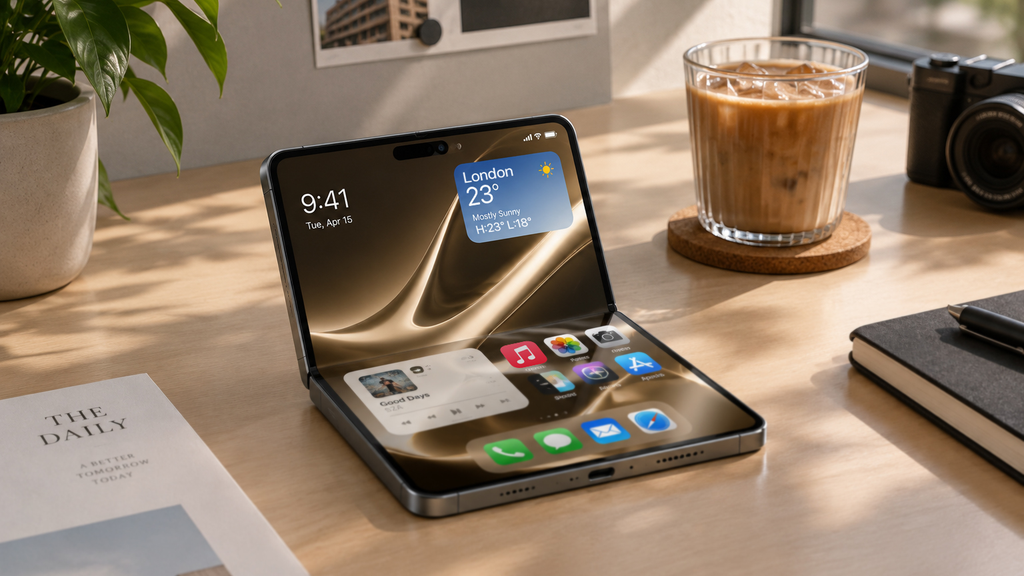
Apple also introduced the iPhone Duo, its first foldable iPhone. With a 7.6-inch inner display, a 5.4-inch outer display and the new A20 Pro chip, it’s a very different kind of iPhone from what we’ve seen before.
For consumers, these are exciting new devices. But for businesses, the launch also reminds us how quickly workplace technology can change.
Technology Keeps Moving
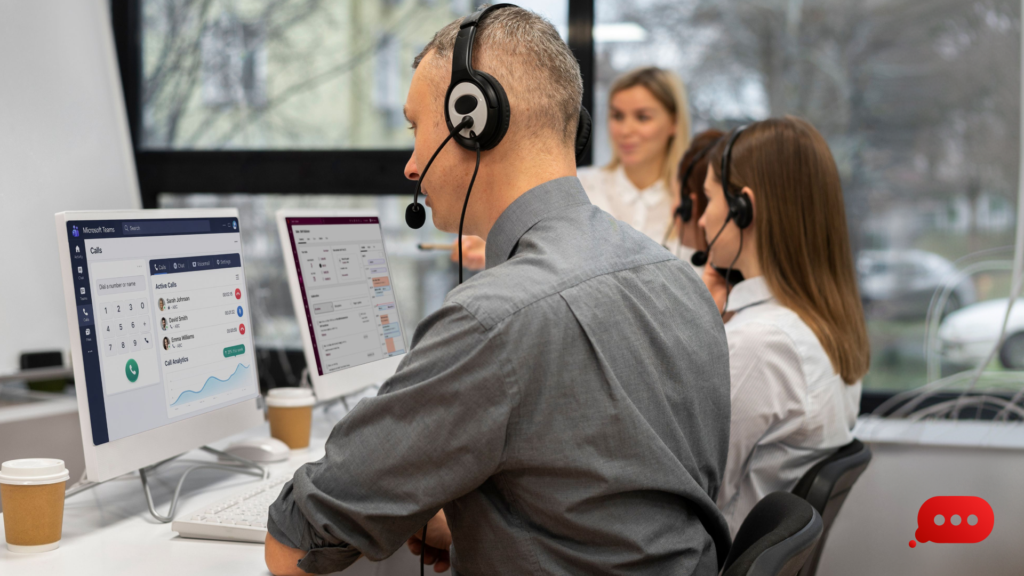
Most teams already rely on a mix of technology every day. Laptops, smartphones, cloud applications, collaboration platforms and business phone systems are all part of getting work done.
And that list keeps growing.
New technology can bring useful improvements, whether that’s a faster device, a better way to collaborate or an AI tool that saves employees time. The challenge is making sure those additions don’t create more behind-the-scenes work.
For example, deploying new devices across a team can mean dealing with:
- Setting up and configuring each device
- Keeping software and security updates up to date
- Managing access to business systems
- Supporting employees when they have problems
- Replacing or removing devices when they’re no longer needed
The bigger your team gets, the harder this can become without a proper system.
A New Device is Just the Start
Getting a new laptop or smartphone for one employee might be straightforward. Managing dozens of them is a different story.
Businesses need to think about what happens throughout the device’s lifecycle, not just when it’s handed to an employee. This can include device staging and deployment, from preparing new hardware to getting it into the right employees’ hands, ready to use.
Good device management helps businesses stay organised and gives IT teams a clearer view of what’s being used across the business.
It also means employees can spend less time dealing with technical issues and more time getting on with their work.
Your Team Still Needs to Stay Connected
Of course, devices are only useful when employees can connect to the systems and people they need.
Whether someone is working from the office, from home or somewhere else, they need reliable access to the tools they use every day.
Think about how much of a normal working day now depends on connectivity:
- Joining back-to-back video meetings
- Accessing cloud applications
- Making and receiving business calls
- Sharing files and collaborating online
- Communicating with colleagues and customers
If the connection isn’t reliable, even simple tasks can become frustrating.
As businesses add more connected devices and services, having dependable connectivity becomes less of a nice-to-have and more of a basic requirement.
And When Something Goes Wrong?
Even with the right setup, technical problems happen.
A laptop might stop working. A new employee might need help getting set up. Someone could lose their phone. Or the internet might suddenly drop just before an important meeting.
When that happens, your team shouldn’t have to spend hours figuring out what went wrong.
The right support implies someone is there when things don’t go to plan. You can deal with problems sooner, helping employees get back to work instead of leaving them stuck.
You Don’t Need to Buy Every New Thing
Technology changes quickly, and it’s easy to feel like you need to keep up with every new device, platform or AI tool.
You don’t.
Instead, start with what your business actually needs. Before bringing in something new, consider:
- Does it solve a genuine problem?
- Will it make work easier for your team?
- Can your existing setup support it?
- How will you manage it once it’s in use?
- What support will employees need?
Having a solid technology setup makes these decisions much easier.
When your devices are managed, your connectivity is reliable, and support is available, introducing something new doesn’t have to mean starting from scratch.
Ready for What’s Next?
Apple will keep releasing new products. AI will keep developing. And the technology businesses use will keep changing.
You don’t need to know exactly what’s coming next. What matters is having a setup that gives your team room to adapt.
At Your Comms Group, we help businesses stay connected and keep their teams working, from device staging and deployment to connectivity, management and ongoing support. So when the next change comes along, your business is ready for it.